Documents, sheets & presentations — CoVince
Run the business

Write, calculate and present where the work already lives

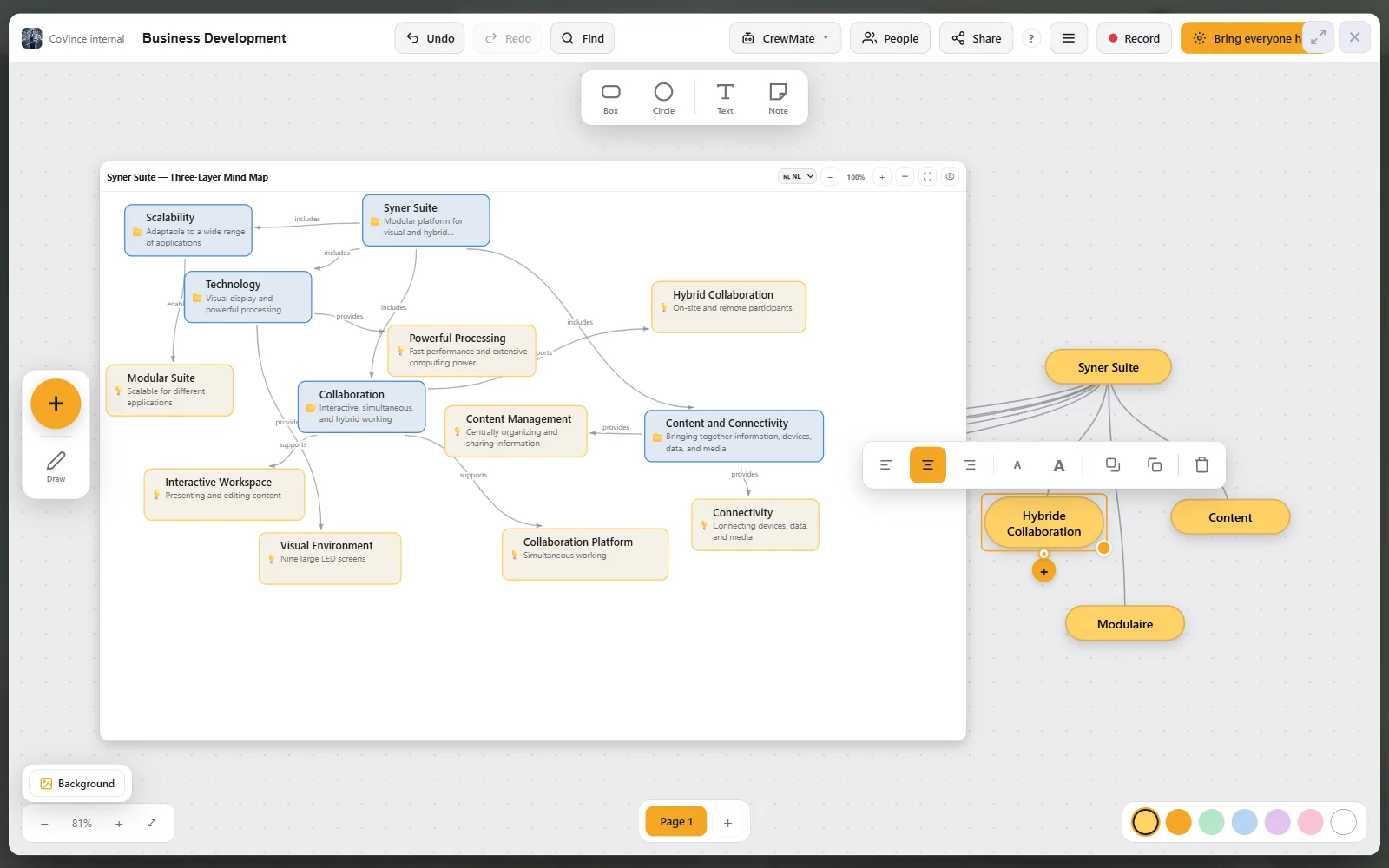
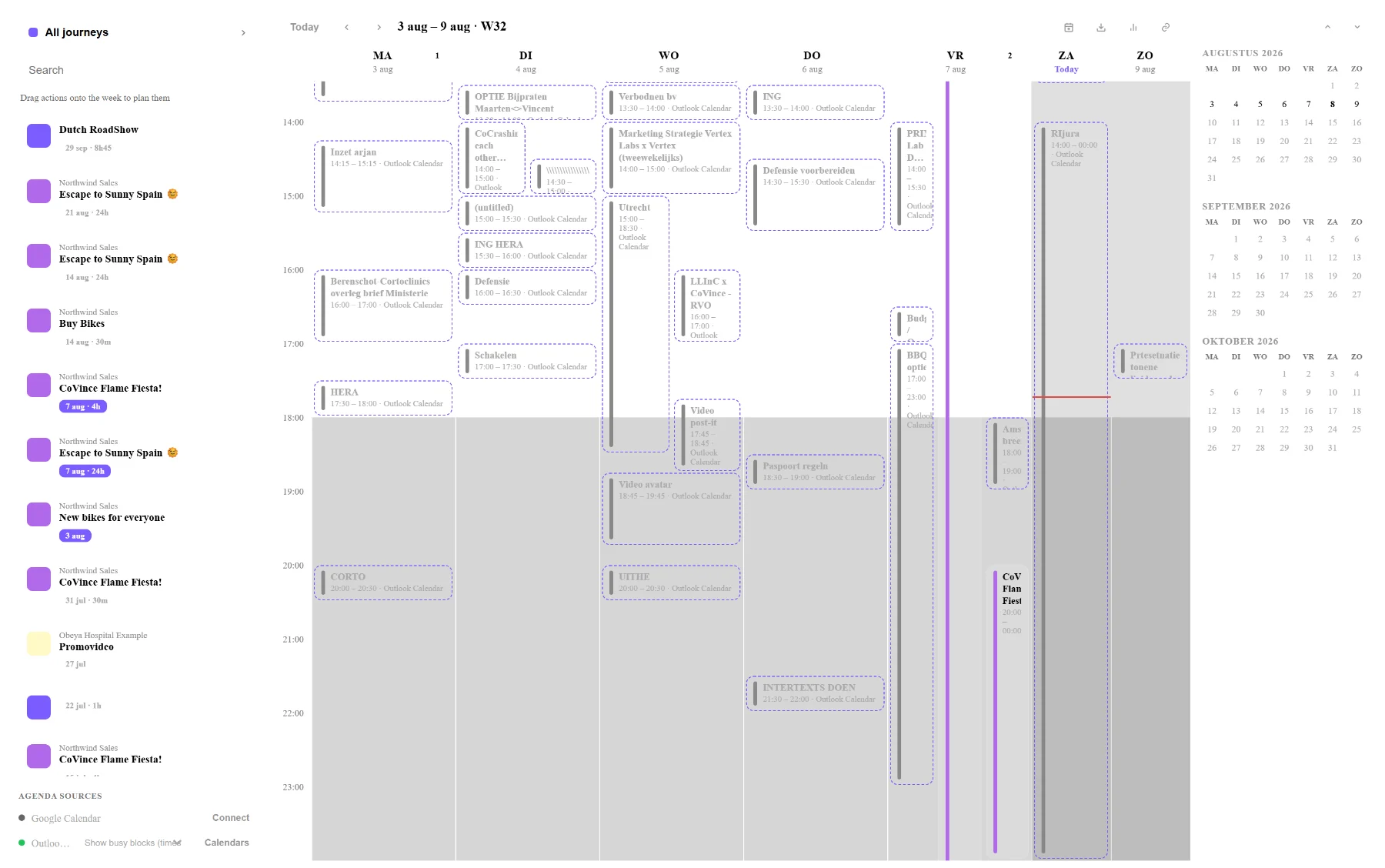
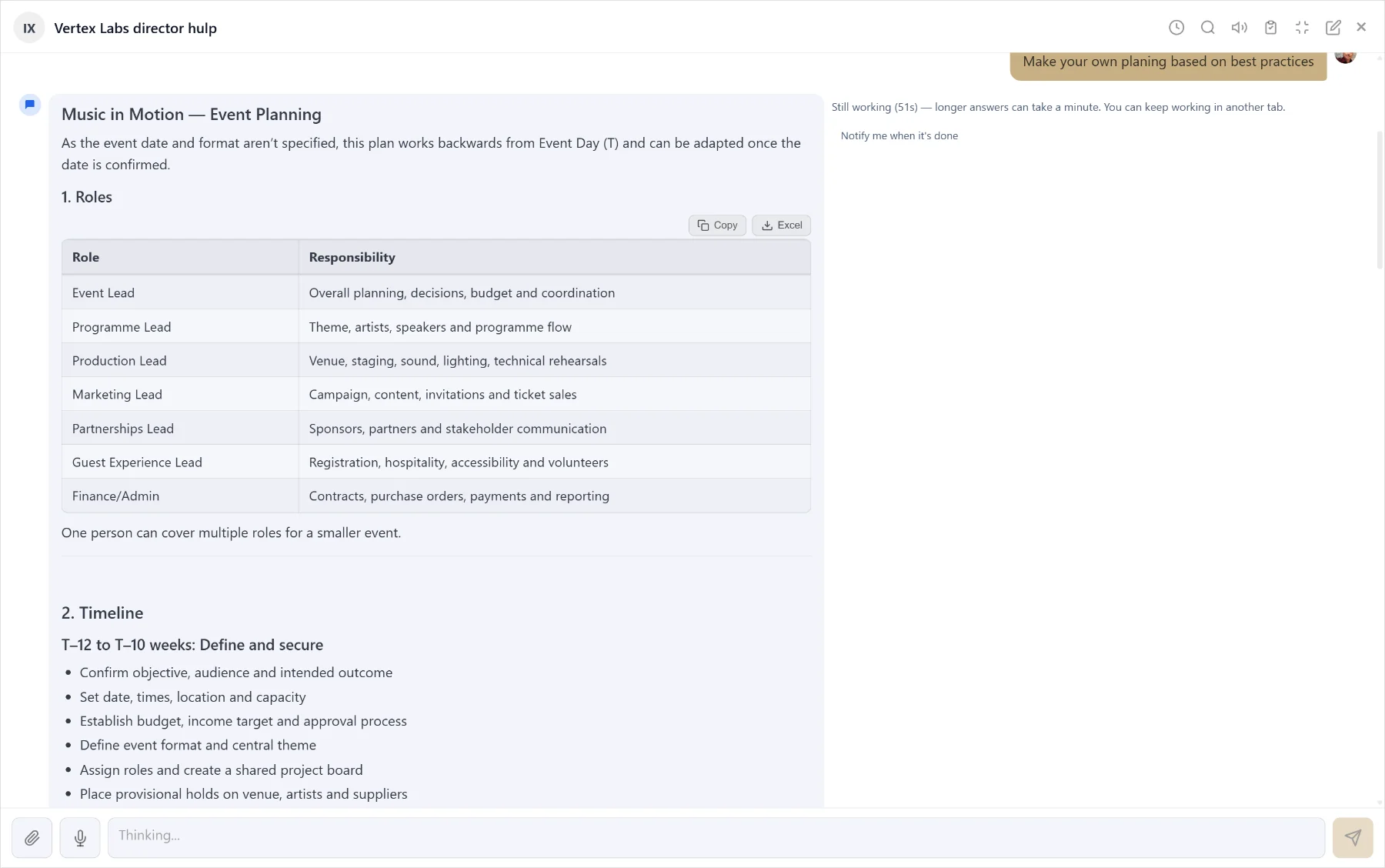
Documents, sheets & presentations in CoVince — replaces Google Workspace, Microsoft 365, Notion, Mentimeter.

Google Workspace Starter on its own costs €6,40 per user. Here it is inside €19 for the whole platform.

Open it opens a new document
scroll
proposal_final_v6_REALLY-final.docx. Somebody is editing a copy from Tuesday. Somebody else answered the version before that. The document is fine — it is the four places it exists in that are the problem.

Also searched for: online document editor · collaborative documents · spreadsheet software · interactive presentation software · AI presentation maker · Google Workspace alternative

Without it

What the week looks like now

  1. 01

    The document is in one cloud, the project in another, the link rots within a month.

  2. 02

    "Which version is the final one" is a real question people really ask.

  3. 03

    Sharing outside the company means someone gets access to more than they should.

  4. 04

    The deck is on somebody’s laptop, the poll in a second tool, the answers in neither.

With it

What changes

  1. 01

    Documents and spreadsheets that co-edit live, inside the journey they belong to.

  2. 02

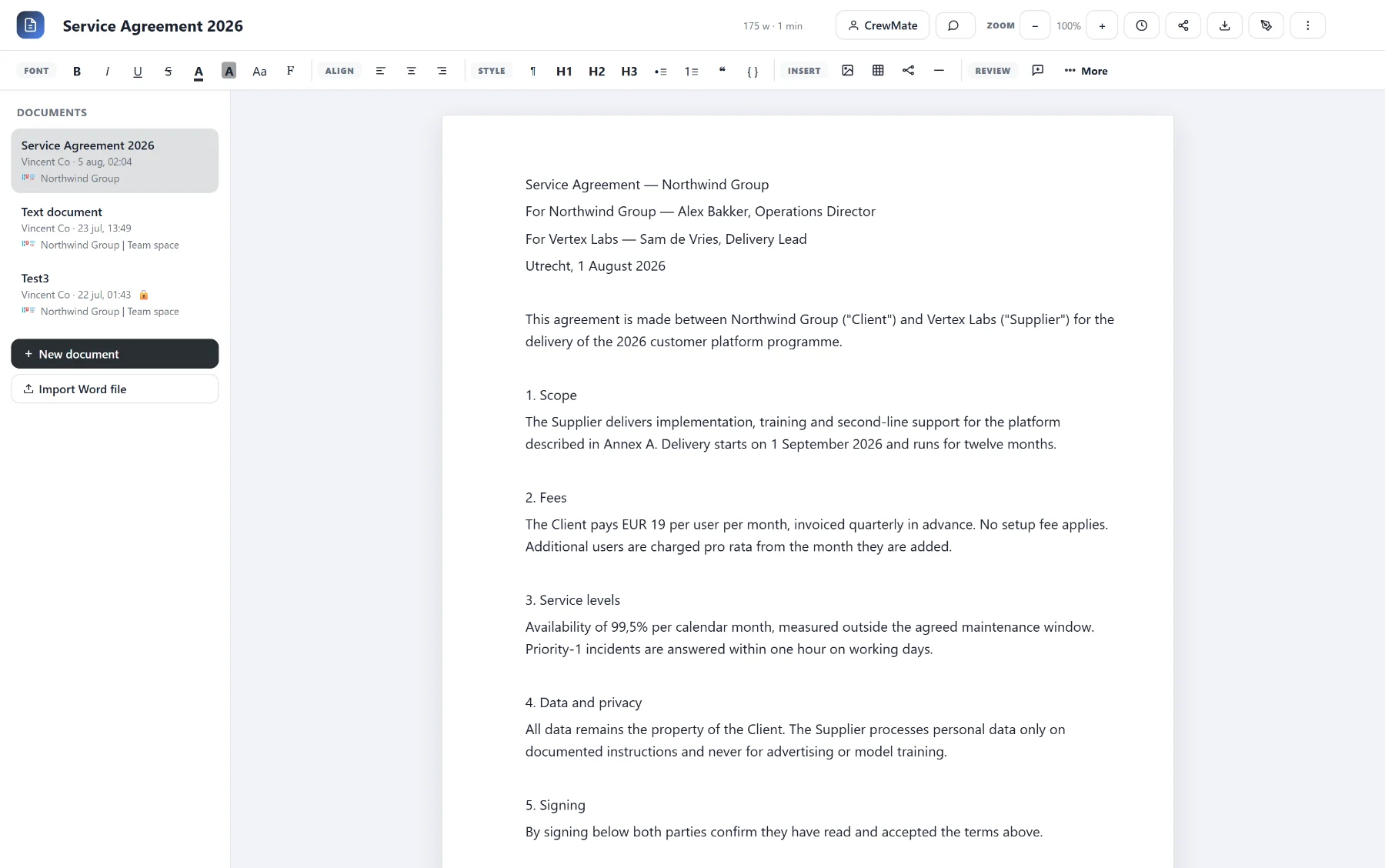
    Comments, revisions and signing on the document itself — no third tool for a signature.

  3. 03

    Word and Excel go in and come back out, so nobody has to convert their way of working.

  4. 04

    Presentations too: decks the room answers into, and decks a CrewMate designs for you.

The real thing

What it looks like

Captured from the running platform, names replaced by demo data. Click a screen to see it full size.

covince.com/docsclick to enlarge
Co-editing, comments, signing and Word import — where the work already lives
covince.com/gridsclick to enlarge
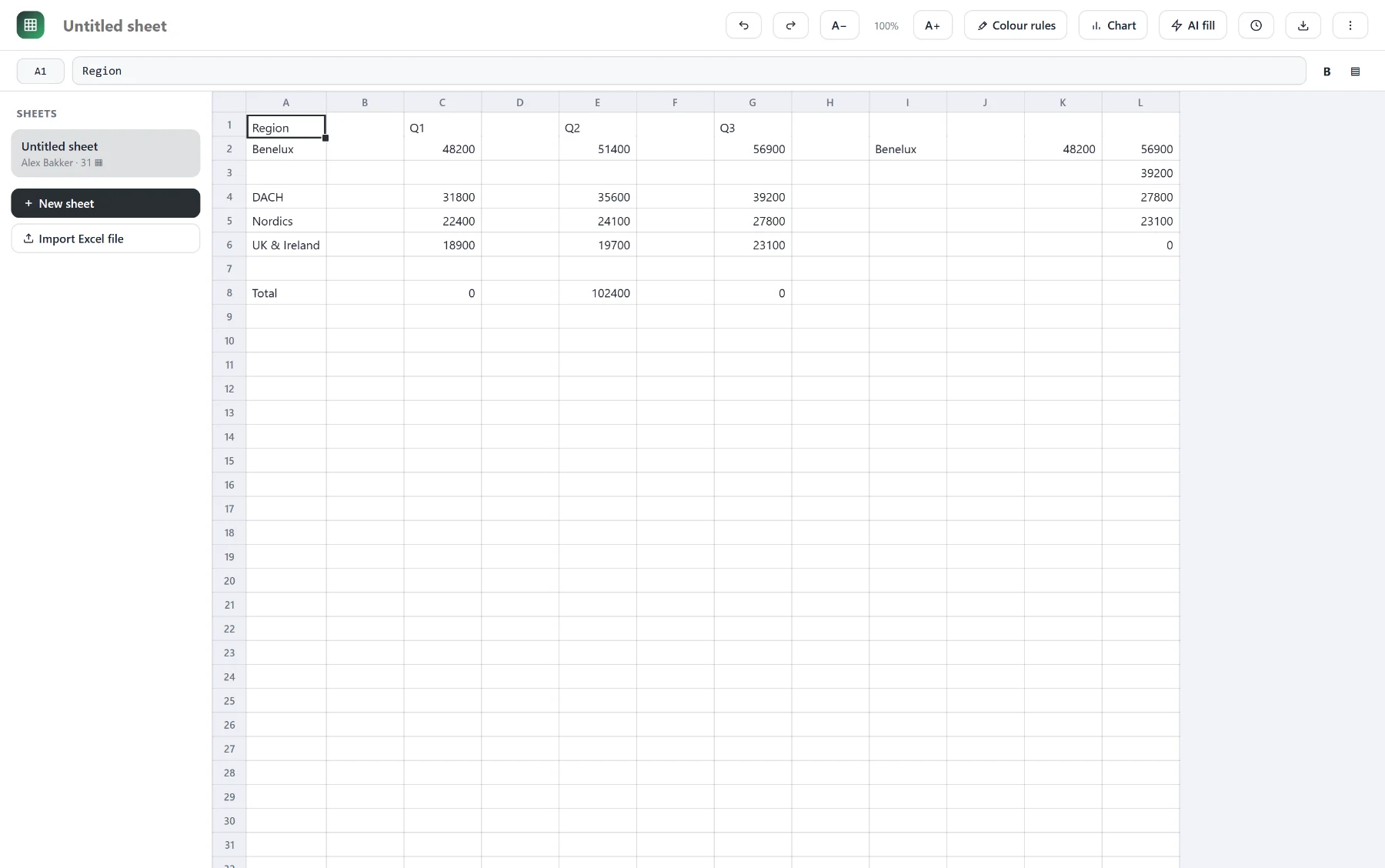
Formulas, colour rules, charts, AI fill and Excel import, on the same record
1 / 2

Co-editing, comments, signing and Word import — where the work already lives

2 / 2

Formulas, colour rules, charts, AI fill and Excel import, on the same record

In practice

How it works

  1. 1

    Open a document from the files tab; anyone with access edits at the same time.

  2. 2

    Formulas, colour rules and charts work the way people expect in a sheet.

  3. 3

    Present from the same record: the room joins with a code, and polls, word clouds, ratings and questions land back in the deck.

  4. 4

    Put a CrewMate to work in the document itself — fill a sheet, summarise a thread, restructure a draft, design the deck. It sees the surrounding work because it lives in it.

This is one of 17 tools in CoVince. It is not a separate product — it sits on the same members, the same journeys and the same data as everything else, which is the entire point.

And it follows things up on its own. A survey nobody filled in, an appointment tomorrow, a decision still waiting for an answer, a growth path about to expire — the reminder goes out without anybody remembering to send it. That is usually somebody’s Friday afternoon.

Straight answers

Documents, sheets & presentations: the questions people ask

Can several people edit at once?

Yes — real-time co-editing, with comments and revisions on the file itself rather than in a mail thread about the file.

Can I import what I already have?

Word and Excel files import, so the last five years of work do not have to be retyped to move.

Are spreadsheets included, with formulas?

Formulas, colour rules, charts, AI fill and Excel import. Documents, sheets and decks are one tool family on the same record — and the same CrewMates work inside all three.

Can I build presentations, and can the room answer back?

Yes. A deck co-edits like a document, and slides can carry polls, word clouds, ratings, sticky notes and questions. Present it and the room joins with a code from their own phone; the answers land back in the deck instead of in a second tool. PowerPoint files import.

There are two presentation tools — which one do I want?

Slides is the one you build and present with: editable, collaborative, interactive. The AI presentation is the one that makes it beautiful — a CrewMate designs a full image per slide, so a deck looks cinematic instead of bulleted. Same workspace, two different jobs, and the same CrewMates you already use in mail, sheets and boards.

Is this instead of Google Workspace or Microsoft 365?

For writing, calculating, presenting, co-editing, commenting and signing inside your workspace, yes — and it takes the audience-response tool with it. Workspace Starter is about €6,40 per user per month on top of everything else you pay; here it is inside the same €19 as the other sixteen tools.

Everything above, plus 16 more, for €19 per user.

The same stack bought separately costs €222 per user per month.

← PreviousVideo meetingsNext →Whiteboard / canvas